7 photo mistakes that make AI struggle with your clothing
Seven common mistakes that cause AI to generate bad clothing photos, and how to fix each one before uploading. Includes a practical checklist and diagnosis table.
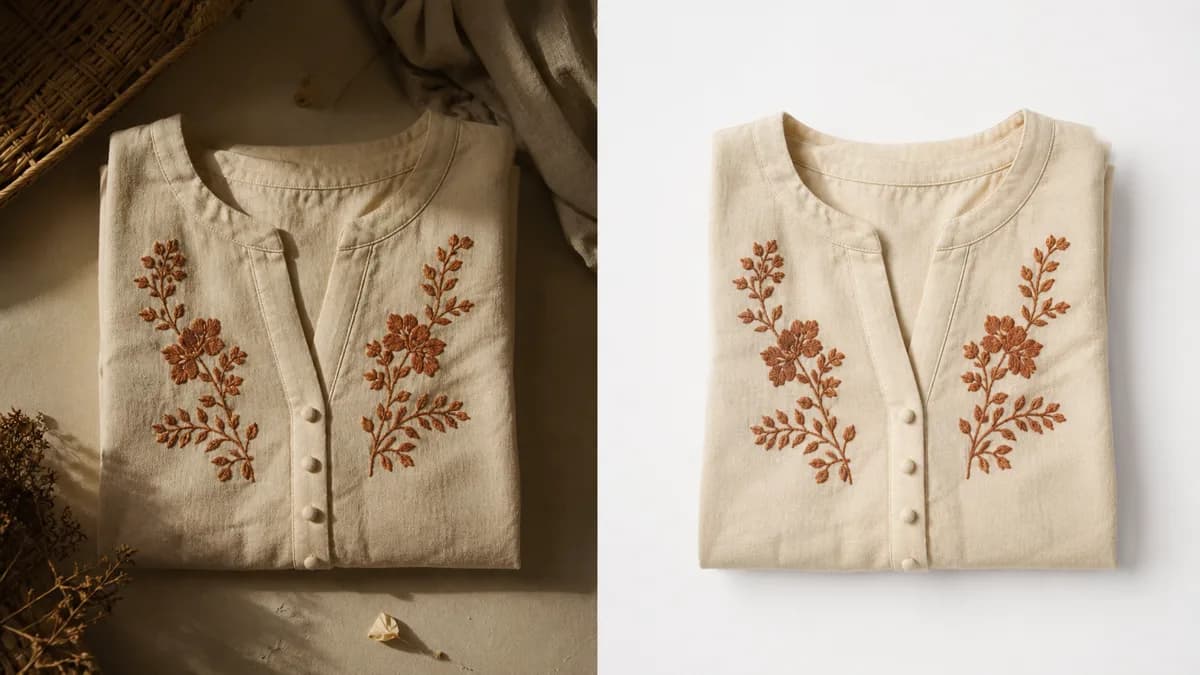
Most bad results from fashion AI tools come not from the tool itself, but from the input photo. When a garment arrives poorly lit, wrinkled, or cropped, the AI lacks enough material to work with and the result looks off. Fixing the photo before uploading solves the majority of problems.
These are the seven most common mistakes, what each one causes, and how to fix it before clicking generate.
1. Uneven lighting
Strong shadows on one side, blown-out light on the other, or dark patches on parts of the garment send contradictory information to the AI. It tries to interpret the fabric's color and texture, but with inconsistent light it ends up inventing tones that don't exist in the real piece.
Typical result: strange color patches, deformed texture, or gradients that don't match the original fabric.
How to fix:
- Use diffused light: a softbox, natural light through a thin curtain, or a cloudy day by the window
- Light from both sides to eliminate hard shadows
- Avoid direct flash without a diffuser
- Shoot in the morning with soft side light from a window
A simple test: if you can see a strong shadow on any part of the garment, the AI can see it too, and it will treat that area as a different color.
2. Busy or textured background
When the garment is on a bed, a carpeted floor, or in front of a cluttered wall, the AI struggles to tell where the clothing ends and the background begins. The result can be strange edges, background elements mixed into the garment, or the piece cut incorrectly.
How to fix:
- Use a plain white background (paper, fabric, or a blank wall)
- If you don't have white, a neutral gray works well
- Move the garment away from the background to create depth-based contrast
- Avoid reflective surfaces like glass or plastic
The complete guide to photographing clothes for AI walks through a simple home setup for under $30.
3. Wrinkled or poorly positioned clothing
A garment with wrinkles, unintentional folds, or hung crookedly will appear that way in the final result. AI preserves the garment's drape, which is a feature, but it means imperfections in the input photo carry over to the output.
How to fix:
- Iron the garment properly before photographing
- Use pins to adjust and secure on the mannequin or hanger
- Check that shoulders are level and the piece is symmetric
- Take three photos with small adjustments and choose the best
The extra two minutes spent ironing correctly saves multiple generation attempts.
4. Parts of the garment cropped in frame
A sleeve going off-frame, a hemline cut off, or a collar outside the shot are serious problems. The AI tries to complete what's missing, and usually gets it wrong: it creates a sleeve with the wrong length, adds a different hem, or distorts the neckline.
How to fix:
- Leave generous margin on all sides, at least 10% of the garment's size
- The entire garment needs to be in frame, with space above and below
- For long dresses and pants: move the camera further back or use a wider angle
- Confirm framing before taking the shot, not after
5. Wrong angle
A top-down shot makes the torso look wider at the bottom. A shot from below distorts the proportions. Any lateral tilt will show in the generation. The perspective in the input photo is used as the reference for fitting the garment onto the virtual body.
How to fix:
- Position the camera at the height of the garment's center
- Camera perpendicular to the clothing, not tilted
- Use a tripod for consistency across shots
- The garment's shoulder line should be straight in the photo
| Angle in photo | Effect on result |
|---|---|
| Top-down | Torso appears wider at the base |
| Bottom-up | Garment appears to narrow at the top |
| Tilted to one side | Clothing appears crooked on model |
| Perpendicular (correct) | Proportions preserved |
6. Low resolution or blurry photo
Small or blurry photos lose the details the AI uses to preserve print and texture. Without that information, it fills in with estimates that may not match the real fabric. The result is a garment with generic texture or a distorted print.
How to fix:
- Minimum resolution of 1,000 pixels wide, ideally 2,000 pixels
- Avoid digital zoom: move physically closer if you need more detail
- Use a tripod or rest your phone against something to avoid shake
- Don't over-compress when exporting: JPEG at quality 80 or higher
To check if your photo has enough resolution: open it on your phone, zoom to 200%, and see if the fabric details are sharp.
7. Filters and altered colors
Instagram filters, exaggerated saturation, or incorrect white balance change the real colors of the garment. The AI reads the colors in the photo as the product's actual colors. If the photo shows a more saturated blue than reality, the result will carry that saturated blue.
How to fix:
- Shoot without filters
- Set white balance to match the ambient light (daylight or cloudy mode)
- If editing, adjust only brightness and contrast, subtly
- Compare the photo to the real garment: colors need to match
Beyond improving AI results, photos that accurately represent color reduce returns and customer complaints. This is a good practice for any sales channel, including Depop, Poshmark, Vinted, and eBay.
Quick diagnosis: which mistake is causing your problem
| Symptom in result | Most likely mistake |
|---|---|
| Color patches or strange tones on garment | Uneven lighting |
| Cropped edges or background mixed into clothing | Busy background |
| Garment appears crooked or asymmetric | Poor positioning or wrong angle |
| Parts of garment invented or wrong shape | Piece cropped in frame |
| Generic texture or distorted print | Low resolution or blur |
| Color differs from real garment | Filter or wrong white balance |
Checklist before uploading
Before sending your photo to generate the model image, run through this list:
- [ ] Uniform lighting, no hard shadows on one side
- [ ] Plain white or gray background, no objects around
- [ ] Garment well-ironed and positioned symmetrically
- [ ] Entire garment in frame, with margin on all sides
- [ ] Camera at the garment's center height, perpendicular
- [ ] Minimum resolution of 1,000 pixels wide
- [ ] Natural colors, no filter or exaggerated saturation
When the photo is good and the result still looks off
Some cases are more challenging regardless of input quality:
Translucent fabrics. Lace, chiffon, and organza need a background that creates contrast. White background can make the garment hard to read. Try a light gray background instead.
Very shiny pieces. Sequins, metallic finishes, and mirror-like satin create reflections that shift with angle. Shoot with more indirect light.
Detailed prints on a low-resolution photo. In this case, increase resolution before making any other changes.
How many attempts are normal
There is no fixed number. With a good input photo, the result from the first generation is usually usable. When the result looks off, the first step is to check the input photo before generating again.
Regenerating without fixing the input photo usually produces the same problem. Identify which of the seven mistakes above is present, correct it, and generate again. A second attempt with a corrected photo typically resolves the issue.
For harder garment types, such as bulky jackets or pieces with heavy shine, it is common to test two or three different framings before finding what works best.
How to set up a fast and repeatable photo station
Consistency matters more than perfection. A simple setup that you can replicate exactly every time produces more usable results than a more elaborate setup that varies between sessions.
The minimum that works: a white or gray background fixed at the same height, a single ring light (or the same window at the same time of day), and the camera on a tripod at a marked position. Once you have a photo that produces a good AI result, do not change anything. Photograph all garments at that same position.
This repeatability means every batch you send to the AI starts from the same baseline, and you get consistent quality across your entire catalog.
An honest summary
The AI preserves print, drape, and texture when the input photo is good. VestiAI's workflow accepts photos on a hanger, on a mannequin, or flat lay, and delivers the model photo in minutes. The Basic plan is US$ 39.90/month for 80 photos, roughly US$ 0.50 per photo. But the result depends on the material you send.
Bad input photos produce bad results. Good input photos produce images you can publish directly to your catalog.
To test with your own pieces, the free plan gives 5 credits with no card required: create a free account.
Related Articles
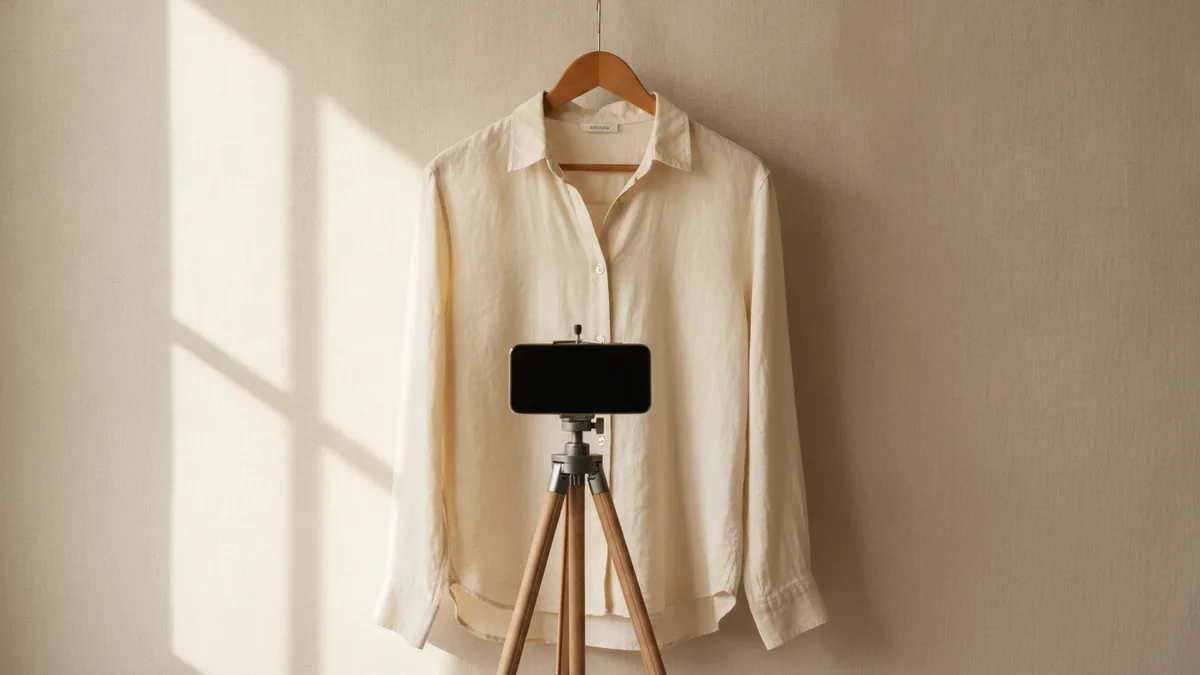
How to Photograph Clothes for AI: Practical Guide
How to photograph clothes for AI and get realistic virtual models. Lighting, angle, background, and a common-mistakes checklist for any smartphone.
Read article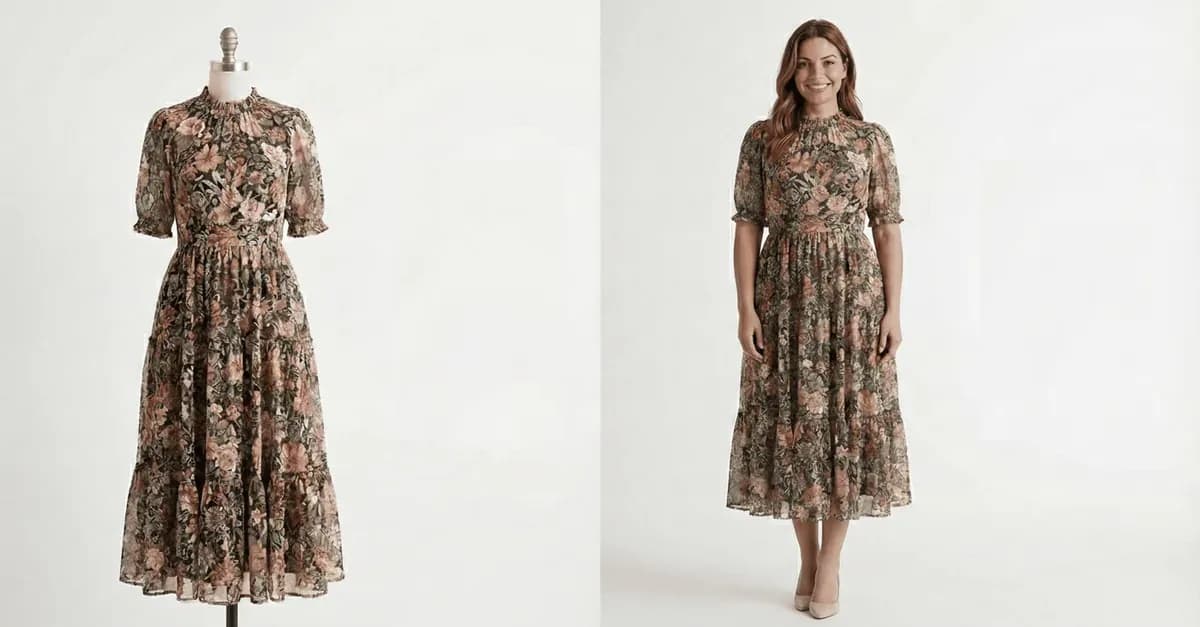
Does a Mannequin Photo Work for AI? Yes, With These Tips
Mannequin photos work well for AI, but results depend on the mannequin type and image quality. See the comparison and the right checklist for each case.
Read article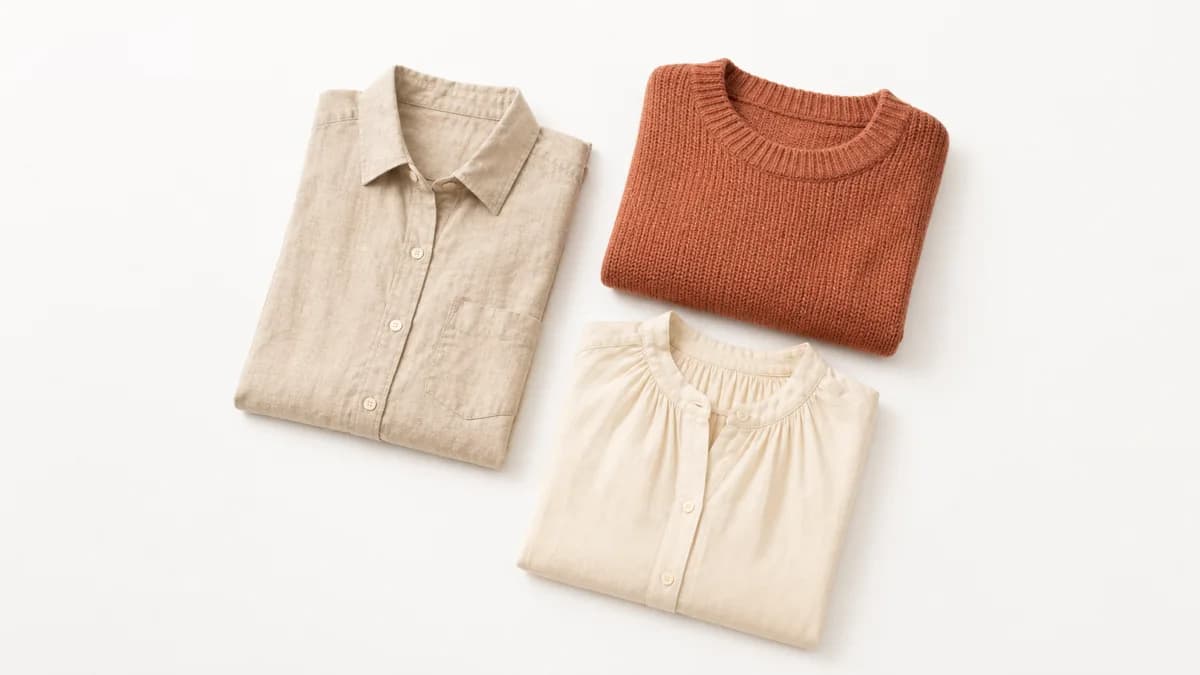
White background photos for clothing: why and how to do it
White background is required on marketplaces and improves any AI tool. How to set it up, the common mistakes, and when another color wins.
Read article