How to Choose the Right Model for Your Clothing Store
How to pick the right model for your fashion store. Criteria by audience, product type, and sales channel, with practical tips for using diverse AI models.
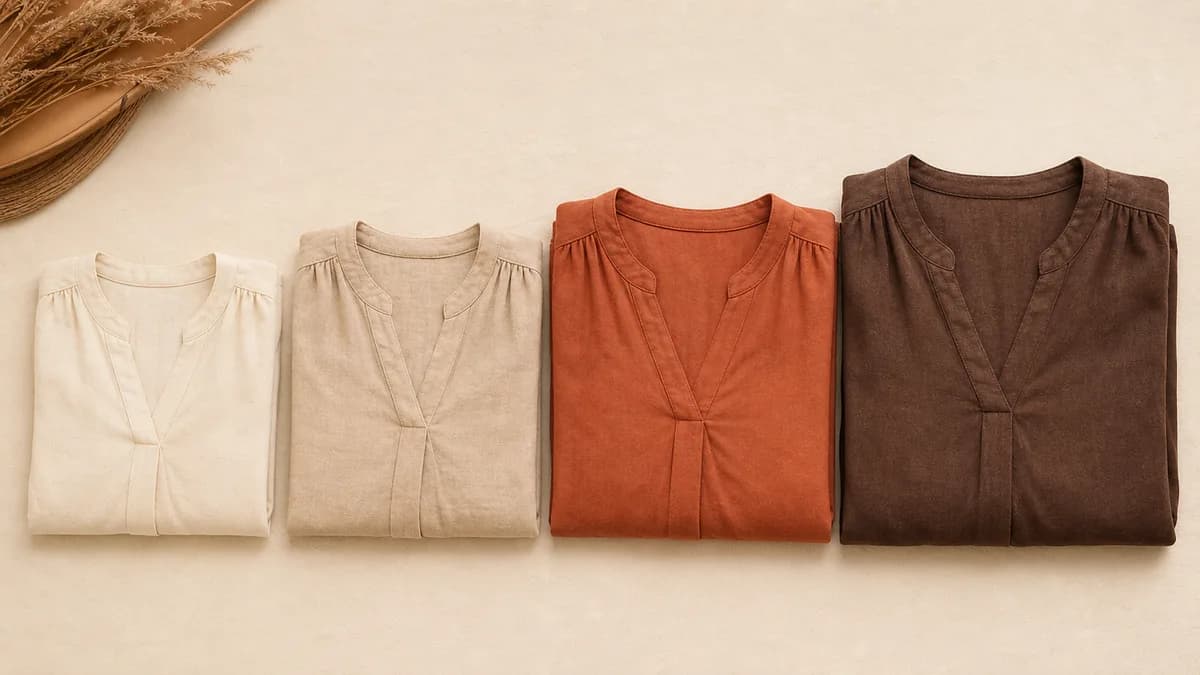
The model that appears in your catalog photos directly influences purchase decisions. When a customer recognizes someone similar to themselves wearing the garment, the psychological barrier of "will it look good on me?" drops. That identification reduces returns and increases conversion, especially in stores serving a specific audience.
With virtual models, you do not have to choose between cost and representation. You can have models with different skin tones, body types, ages, and styles, without the production cost of a new photo shoot for each profile.
Why the choice of model matters
Product photos with a model sell better than photos on a mannequin or flat lay. Customers can visualize the drape, length, and proportions of the garment on a body. But the right model goes beyond "photo with a model": your customer needs to see herself in the model.
A plus-size fashion store that only uses straight-size models misses the opportunity to connect with its core customers. A young streetwear brand that uses rigid-posture models with serious expressions sends the wrong message. The misalignment between model and target audience affects conversion without the store owner noticing directly.
The single-model problem
Many stores settle on one model profile for convenience: usually young, light skin tone, standard runway height. That default excludes a large share of the potential audience and creates a perception that the brand is not for everyone.
Model diversity is not only an ethical or brand-positioning question. It is a business decision with direct impact on engagement and sales.
How to define which model fits your audience
Look at who already buys from you
The starting point is your own data, not what looks appealing to you personally. Check:
- Which sizes sell the most?
- What is the predominant age range of your buyers?
- What profile engages most with your photos on social media?
- Are there comments or messages asking for more representation?
That data tells you more than intuition about who your real audience is.
Map the categories in your catalog
Different products call for different models. A store that sells both casual wear and occasion wear can use models with distinct styles for each line, while maintaining consistency within each category.
| Product category | Recommended model profile |
|---|---|
| Young casual wear | Relaxed model, natural expressions, dynamic poses |
| Women's workwear | Elegant posture, confident expression |
| Plus-size fashion | Representative body type, poses that show real drape |
| Swimwear | Model representing the sizes most sold in the line |
| Petite fashion | Shorter model to show actual garment length |
| Men's streetwear | Young model, relaxed poses, urban backgrounds |
| Men's formal wear | Elegant posture, neutral expression, clean backgrounds |
How to use diverse models with AI in practice
With VestiAI, you have access to models with different skin tones, body types, heights, and pose styles. You choose per piece or set a default per product category.
Option 1: default model per category
Set a different model for each product line. Casual women's wear uses one profile; formal wear uses another. This creates visual consistency within each category without requiring a manual decision on every upload.
Option 2: model rotation across the catalog
For larger collections, alternate models throughout the catalog. Every 5 to 10 pieces, switch the model profile. The catalog looks diverse without losing visual coherence, because pieces within each block remain consistent with each other.
Option 3: model matched to size
If you sell sizes XS through 3X, consider using models with corresponding body types. Customers who shop for plus-size or petite clothing actively look for brands that show the garment on a body similar to theirs. That choice reduces fit uncertainty and decreases returns.
Brand DNA
If you want to maintain a strong, recognizable visual identity across your entire catalog, VestiAI's Brand DNA feature lets you lock in the characteristics of a virtual model and reapply them consistently across all your productions. Useful for brands that build recognition through visual consistency.
Common mistakes when choosing a model
Model incompatible with the product. Using a teenage model for a women's executive line targeting 40+ buyers disconnects the garment from the audience. Even if the clothing looks good, the customer does not see herself wearing that look.
Model that contradicts the brand positioning. If you communicate inclusivity but only use one body type, your audience notices the disconnect. The brand loses credibility.
Inconsistency within the same collection. Mixing models with very different visual styles (one editorial, one casual, one classic) on the same category page confuses customers and weakens brand identity.
Ignoring customer feedback. If customers comment that they do not see themselves in your photos, that is a business signal, not just an aesthetic critique. It is worth testing other model profiles and comparing the performance.
What to track after changing your model profile
Once you update your model selection, monitor the metrics that matter:
- Click-through rate on product images: a more representative model tends to drive more clicks from the listing to the product page.
- Average time on product page: customers who identify with the model stay longer and read more about the garment.
- Conversion rate: the most direct impact of a good model choice.
- Return rate: when customers visualize the fit better, they buy with more confidence and return less.
You do not need to change your entire catalog at once. Test with one product segment, compare the numbers, and expand what works.
What it costs to use diverse models with AI
With a traditional photo shoot, hiring models with different profiles for each product category would be out of reach for most stores. Production costs would multiply with each additional profile.
With AI, the cost is the same regardless of which model you choose. Each generated photo uses 1 credit, at under US$ 0.50 in the Basic plan (US$ 39.90/month, 80 photos). You can generate the same garment on three different model profiles for the cost of three credits.
For the full production planning guide, see how many photos per SKU.
Model diversity checklist
Before publishing a collection, check:
- [ ] The models represent the sizes sold most in the store
- [ ] At least 2 different model profiles appear in the complete catalog
- [ ] The age range of the models matches the target audience
- [ ] The pose style matches the positioning of each product line
- [ ] Visual consistency is maintained within each category (same model or same style per product block)
How to start without changing everything at once
If your current catalog has a single model, the change does not need to happen all at once. A practical approach:
- Identify the categories with the most returns or the lowest conversion rate.
- Reshoot those categories with a model profile closer to the actual buyer.
- Compare results over 30 days.
- Expand what works to the rest of the catalog.
VestiAI lets you process photos one at a time or in batch. For reprocessing entire categories, batch upload saves significant time. The article fashion ecommerce photos that convert covers what photo types work best by channel.
Frequently asked questions
How many different models should I use in a catalog?
At least 2 profiles for a focused niche store. For stores serving a broader audience (multiple sizes, age groups, or styles), 3 to 5 profiles across the catalog creates meaningful representation without creating visual chaos.
Can I test two model profiles and compare which converts better?
Yes. Generate the same product with two different models, publish both versions (alternating in your catalog), and compare the conversion data for each. Each generation uses 1 credit, so the test costs two credits.
Does model diversity affect marketplace performance?
On platforms like Depop, Poshmark, eBay, and Vinted, the main photo needs to show the garment clearly. The model profile itself does not directly affect search ranking, but it affects click-through rate from the listing, which does influence overall performance.
What about male models and gender-neutral options?
VestiAI has male models and options that work for gender-neutral or unisex garments. The selection approach is the same: match the model profile to the audience most likely to buy the product.
The free plan gives you 5 credits with no credit card required. Create a free account and test different model profiles with your own garments before choosing a plan.
Related Articles
AI in Fashion 2026: Real Trends and Opportunities
Which AI tools for fashion already work in 2026 for small stores, what is still hype, and how to start without spending much.
Read article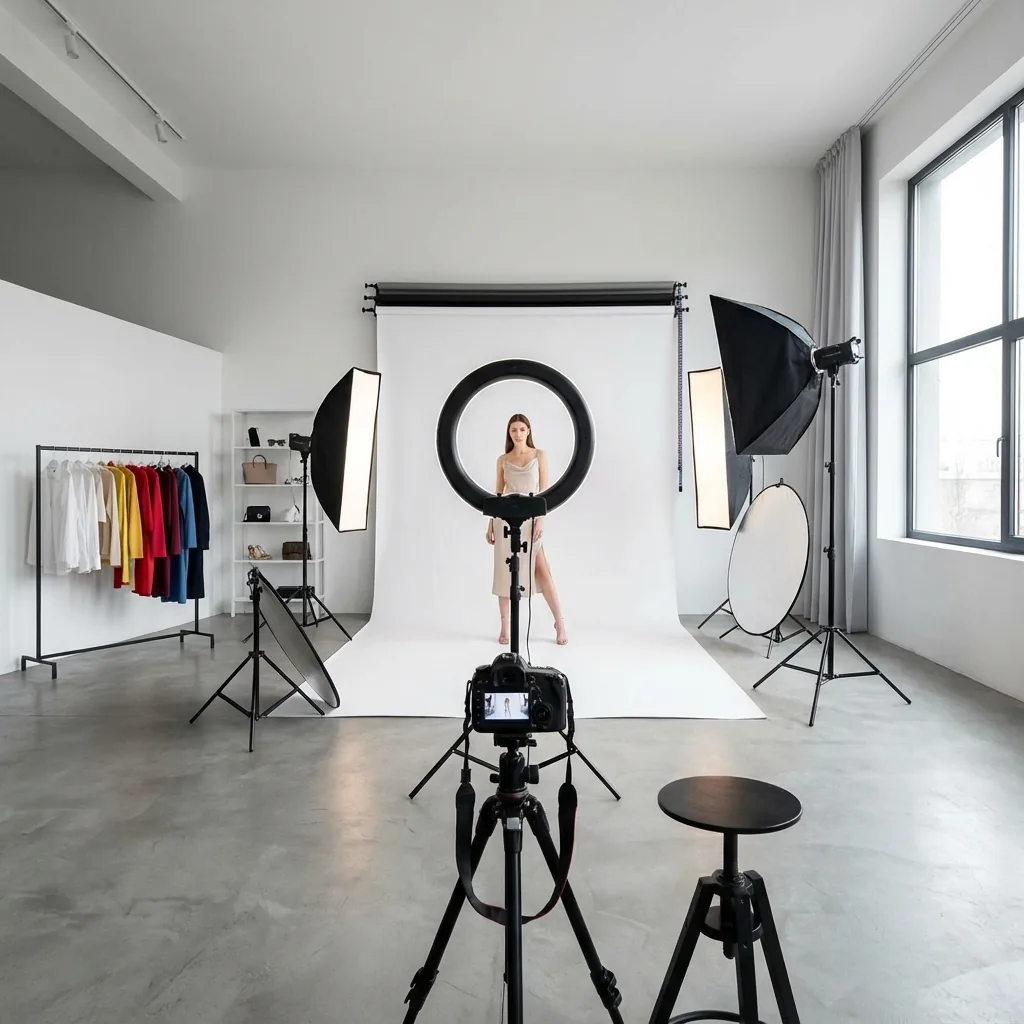
Fashion Ecommerce Photos: Step-by-Step Production Guide
How to produce fashion ecommerce photos from scratch without expensive equipment. Lighting, angles by garment type, basic editing, and how to use AI to scale.
Read article
Fashion e-commerce photos that convert
Build the right photo set for every fashion product, in the right order, and watch your store's conversion rate climb. Data-backed, step by step.
Read article